📱 Children's screen time: what rules should you set at home?
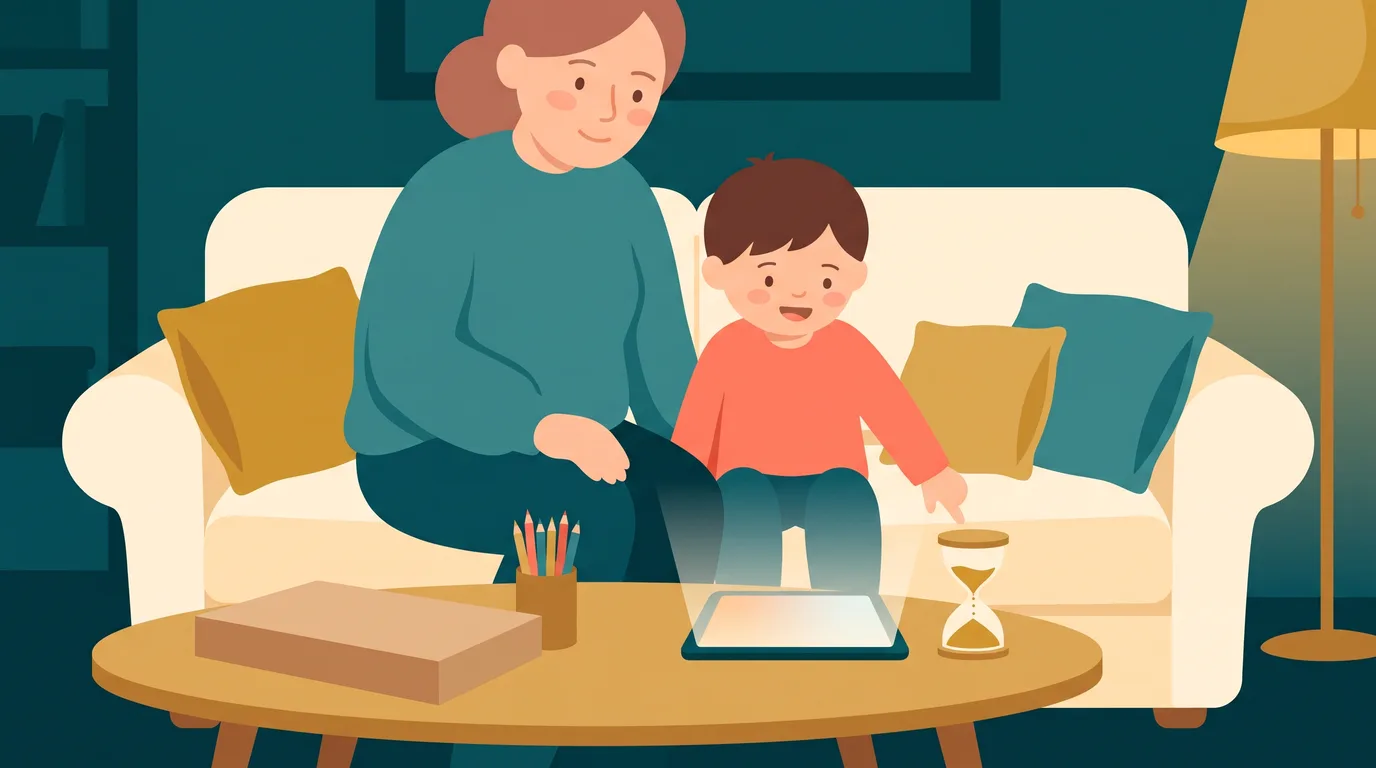
“Just five more minutes!” If you hear this every evening, you’re not alone. Tablets, TV, consoles, phones—screens are everywhere, and setting limits can feel like an endless battle. The good news: there are clear guidelines recognised by childhood experts, and a few simple rules that really do bring calm at home.
Here’s how to decide, without guilt, how much screen time to allow your child at each age—and, most importantly, how to make those limits stick.
Children’s screen time: official guidelines by age
In France, two main references are often mentioned. The first is psychiatrist Serge Tisseron’s “3-6-9-12” rule: no TV before age 3, no personal games console before 6, no solo internet before 9, and no social media before 12. The second is the report “Children and Screens: In Search of Lost Time”, submitted to the President of France on 30 April 2024 by a panel of experts.
This report goes further. It recommends no screens before age 3, very limited and supervised use between ages 3 and 6, then moderate and controlled exposure after that. For phones, it suggests no phone before age 11, a smartphone with internet only from age 13 (without social media), and social media from age 15, ideally using so-called “ethical” services.
| Age | What the guidelines say | How it works at home |
|---|---|---|
| Under 3 years | No screens | Play, talk, read stories; keep the TV off when your child is in the room |
| Ages 3-6 | Occasional use, quality content, with an adult | Watch a cartoon together, then talk about it afterwards |
| Ages 6-9 | Moderate use, no personal console before age 6 | Set screen time slots, keep screens in shared spaces |
| Ages 9-11 | No solo internet before 9, no phone before 11 | Supervised internet use, parental controls, talk about online risks |
| Ages 11-15 | Phone without internet at 11, smartphone at 13, social media at 15 | Write a usage agreement together and review it each year |
These are not laws, but guidelines. Their main aim is to prevent screens from becoming your child’s main companion by default.
Why limit screens (without overreacting)
The issue isn’t the screen itself, but what it replaces. Every hour in front of a video is an hour not spent playing outside, getting bored (which sparks imagination), chatting, or sleeping. Sleep is often the first thing affected: screens in the evening can delay falling asleep, and a tired child finds it harder to learn the next day.
Content is also a concern. Videos that play automatically, endless scrolling, games designed to keep you coming back—the 2024 report highlights these attention-grabbing tricks. Even adults struggle to switch off; for an 8-year-old, it’s even harder.

Screen time rules that really work
Instead of counting minutes, focus on screen-free moments and places. Many families use the “4 no’s” rule, made popular by psychologist Sabine Duflo:
- No screens in the morning before school: your child’s attention is precious for the day ahead.
- No screens during meals, including for parents.
- No screens before bedtime: switch off at least an hour before sleep.
- No screens in the bedroom: no TV, tablet, or phone at night.
Add three simple habits. First, set a predictable slot (“tablet time is after homework, until the timer goes off”). Next, keep screens in shared spaces so you can keep an eye on what’s being watched. Finally, activate parental controls on every device, explaining it’s for protection, not punishment.
How to enforce limits without drama
The tricky moment is often when it’s time to switch off. A few simple steps can help:
- Give a warning before the end: “Five more minutes, finish your level.” This way, your child isn’t cut off mid-flow.
- Use a visible timer: let it be the timer that rings, not you who nags.
- Offer a follow-up: turning off for no reason is tough; turning off for a snack, a card game or a walk is much easier.
- Lead by example: if your phone stays on the dinner table, the rule quickly loses its impact.
Write the rules together and display them in the kitchen. A child who helps make the rules is much less likely to challenge them.

What can you offer instead of screens?
The key is having alternatives ready, especially on rainy or tired days. Board games, colouring, reading, baking, crafts… Our ideas for indoor games for rainy days and our selection of educational board games will keep you going for weeks.
Paper-based activities have a real advantage: they keep children busy without being absorbing. A puzzle or challenge book can be picked up and put down without frustration, unlike a video game. To try it out, download our free printable workbook, or discover the Kidibook game to play as a family. And if you're looking for a daily screen-free routine, the Kidibook adventure activity book subscription offers a fun, short printable page every day.
In summary
For your child's screen time, remember three things: age-based guidelines (none before age 3, very little and with you up to age 6, moderate after that), screen-free moments rather than counting minutes, and alternatives ready to go. The rest will fall into place over time, with consistency and a little patience for the days when things don't go to plan. No one is perfect, and that's not the goal.
Want to put these tips into practice?
Every day, a new adventure workbook adapted to your child's school level — to print or do on screen. No commitment.
Your questions
How much screen time per day for a 6-year-old?
French guidelines don't set a single time limit. The 2024 'Children and Screens' report recommends, after age 6, moderate and supervised use. In practice, it's better to have short, predictable slots outside mealtimes, mornings and bedtime, rather than a precise number that's hard to stick to.
At what age should you give your child a phone?
The 2024 expert panel recommends no phone before age 11, a phone without internet from age 11, a smartphone with internet from age 13 (but no social media), and social media from age 15.
Do educational cartoons count as screen time?
Yes. Quality content is better than a video chosen by an algorithm, but it's still time spent in front of a screen. Before age 6, it's best to watch with your child and talk about it afterwards.
How can you avoid tantrums when it's time to turn off the screen?
Give a warning a few minutes before the end, use a visible timer and offer an activity straight after. Rules written together and displayed also help limit negotiations.
Read next
 Parent guide
The "summer slide": why your child forgets, and what to do
Learning loss over the school holidays isn’t inevitable: here’s how to prevent it in just 10 minutes a day…
 Parent guide
Educational gift ideas: a present they'll still use in March
Educational gift ideas for children: 4 tips to avoid toys that end up forgotten, a selection by type and age, plus inspiration for grandparents.
 Parent guide
Bad School Report: How to Respond Without Crushing Motivation
Bad school report: what should you do? Read the comments, talk it over calmly, find the real cause and build a plan of small wins.